 Vector Notes

Write with your pen
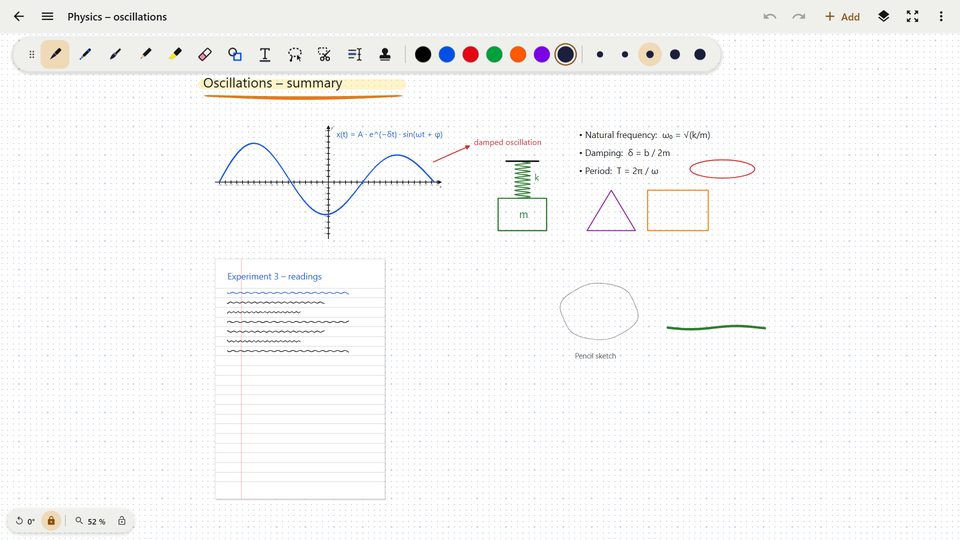
Fountain pen, ballpoint, brush, pencil, fineliner, calligraphy, marker and highlighter – pressure-sensitive, with your own pens and adjustable smoothing.
Handwritten notes for tablets with a pen
An infinite canvas for notes, sketches and ideas – with any PDF, Word or PowerPoint document right next to it, ready to mark up.
Android: closed beta on Google Play · Windows and iPad: coming soon
Short clips from the real app – no sound, sample content.
Built for the pen: everything you need to write on a tablet as freely as on paper.
Fountain pen, ballpoint, brush, pencil, fineliner, calligraphy, marker and highlighter – pressure-sensitive, with your own pens and adjustable smoothing.
Just write and Vector Notes turns it into text – on the device, in English and German (Android and Windows).
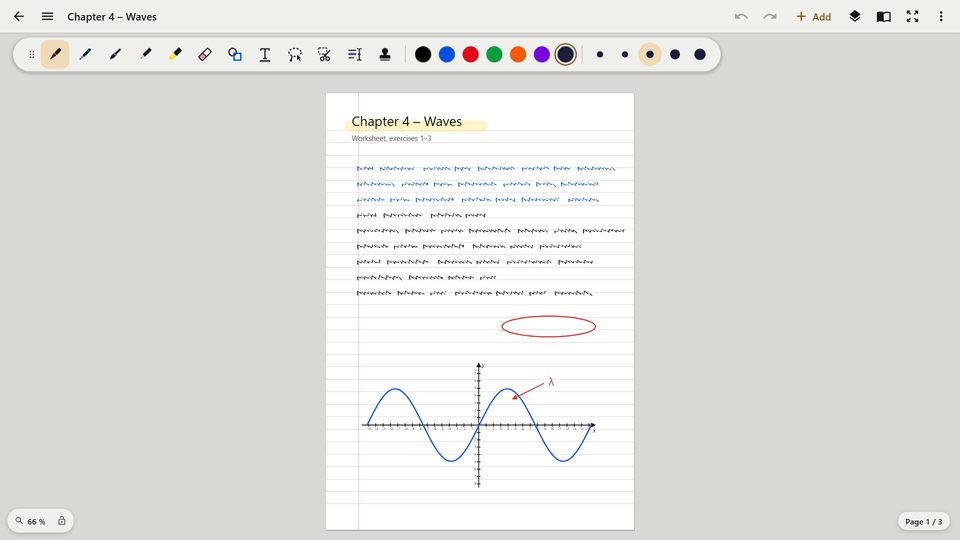
Insert documents as pages and mark them up with your pen. Copy text from PDFs, cut out regions, offline text recognition.
Select, move, rotate, recolor. Lines, arrows, circles and coordinate systems become clean shapes when you hold.
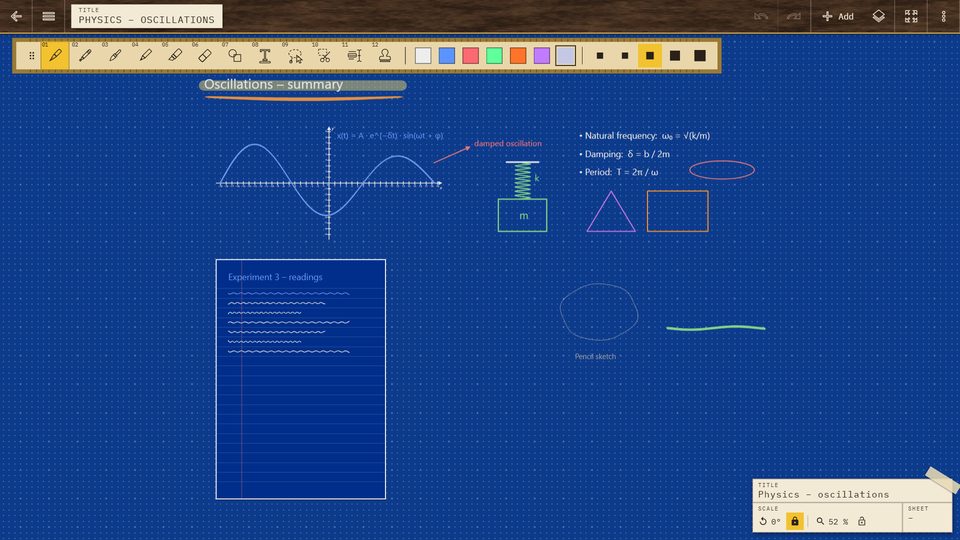
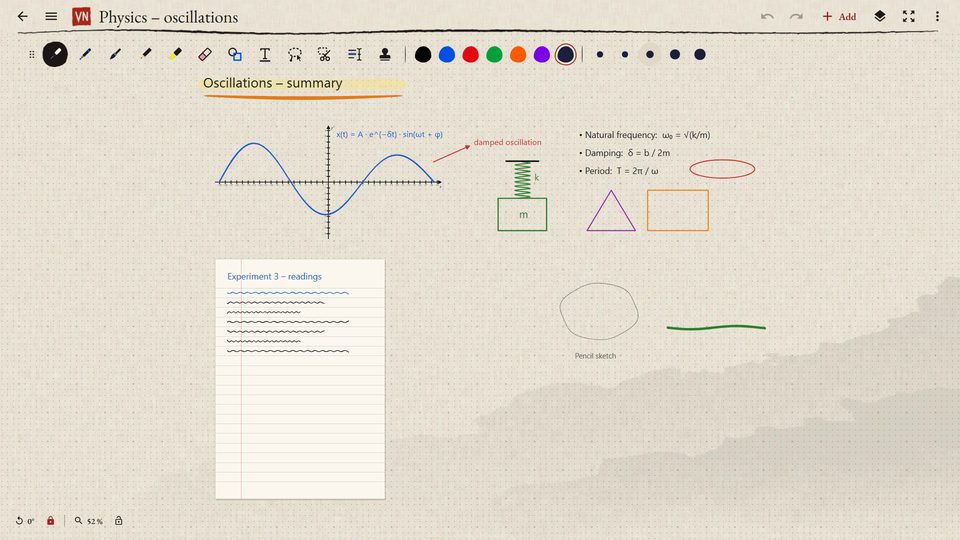
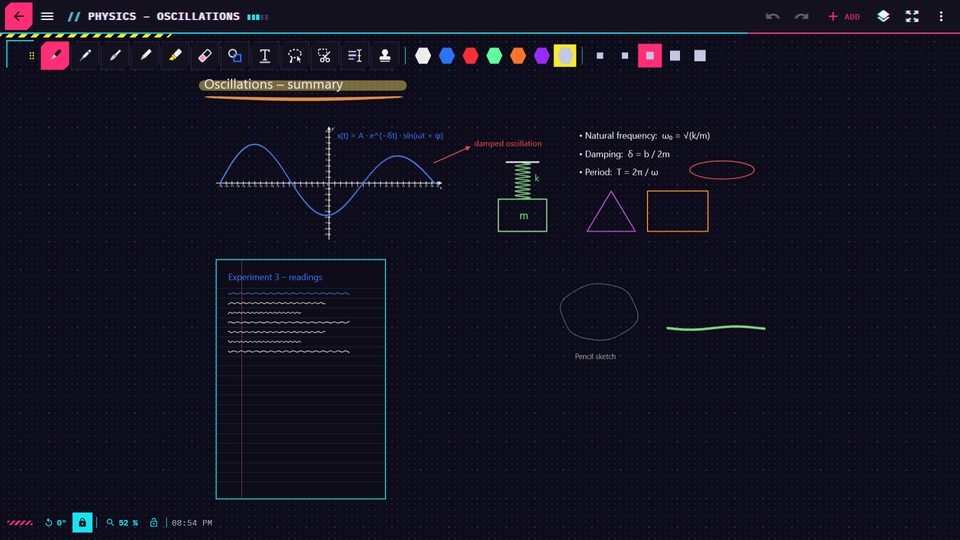
Light and dark, drafting table, Sumi-e, Cyberpunk; backgrounds like paper, linen, wood or slate – or your own photo.
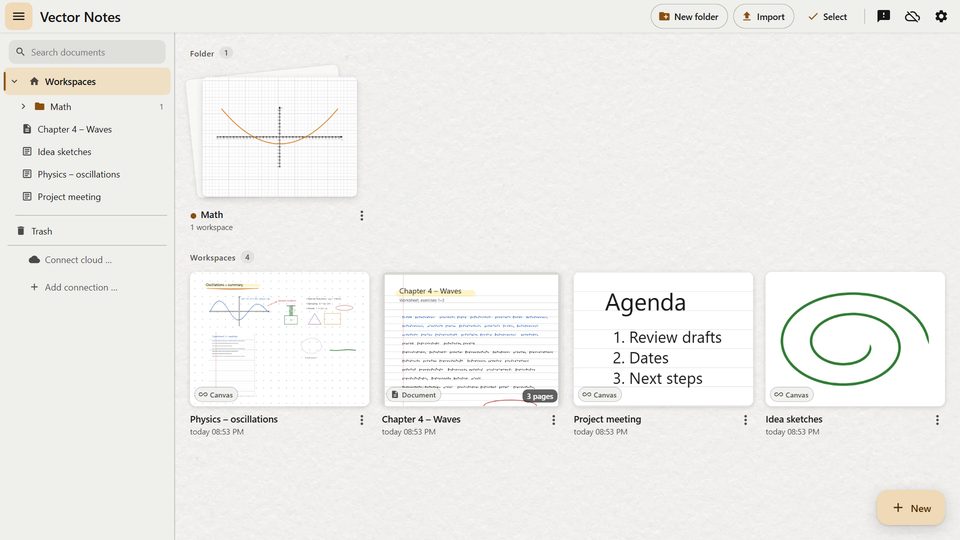
Optional sync through your own OneDrive or Google Drive. Open files from Moodle, Nextcloud and WebDAV directly.
Fix a document to page width: scroll vertically only, nothing shifts while you write. Zoom and rotation can be locked.
Print frames and preview for A4 pages, export as PDF or image.
No account, no ads, no tracking. AI features are optional and only run with your own API key.
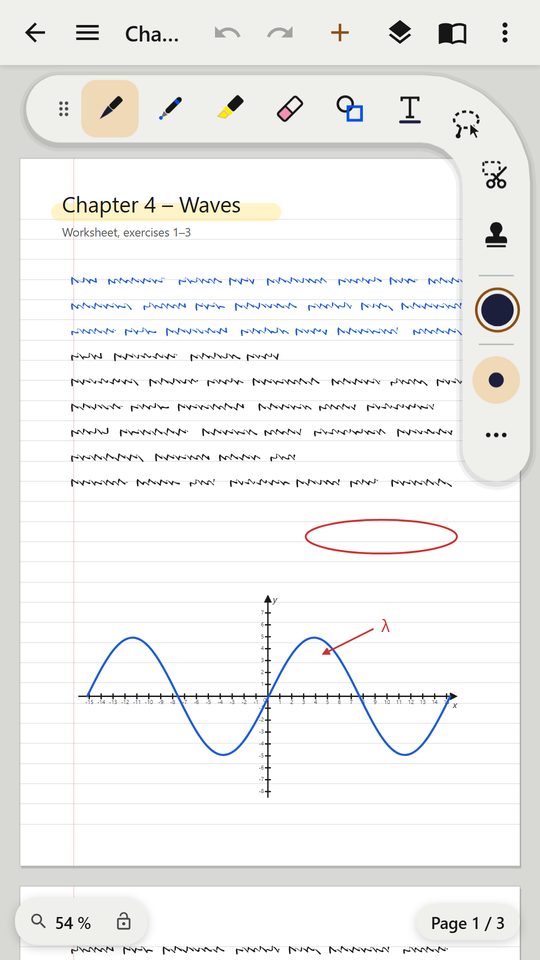
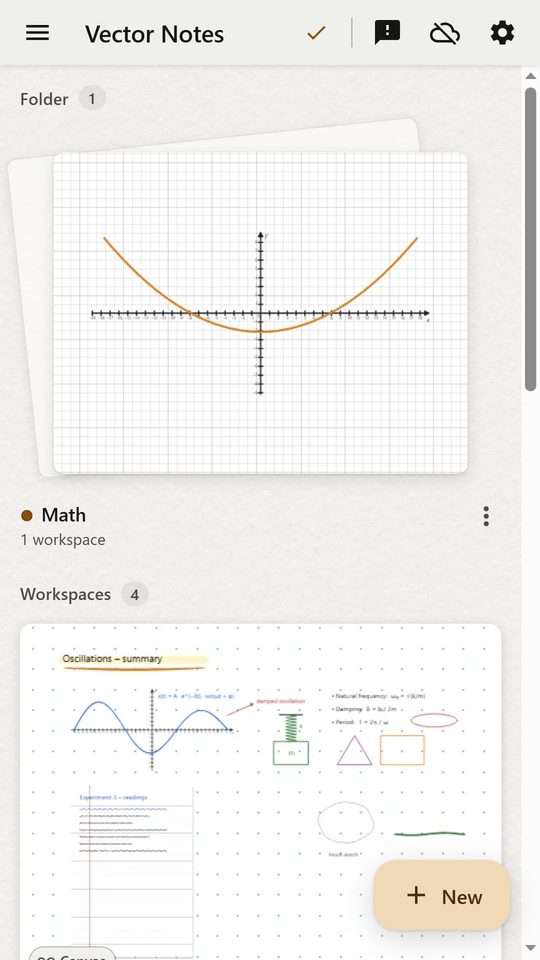
Screenshots of the app with sample content.
Vector Notes is free during testing. The feedback button in the app goes straight to the developers.
The Windows app for pen tablets and PCs is coming to the Microsoft Store.
A version for iPad with Apple Pencil is in the works.